
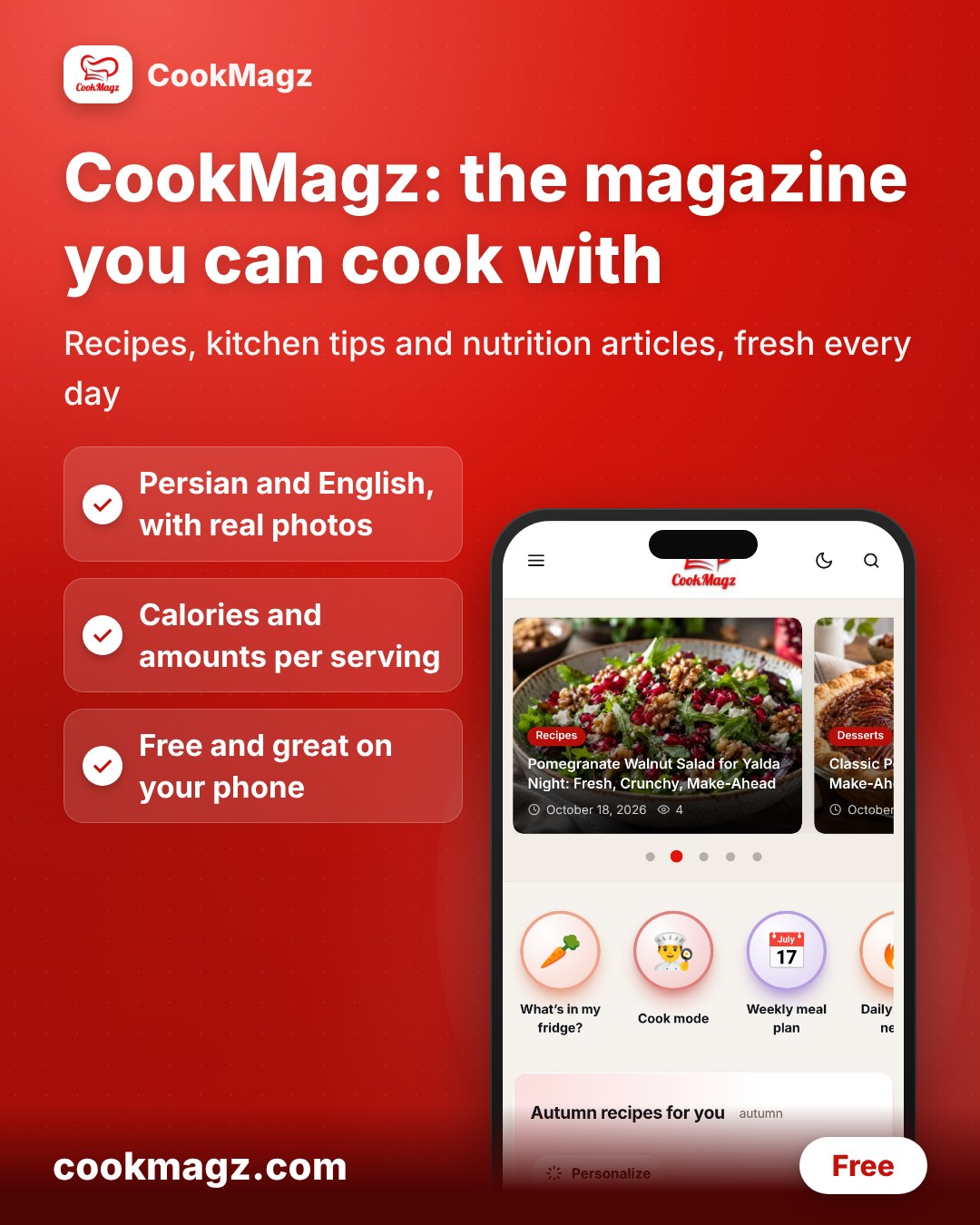
CookMagz is a cooking magazine you can also cook with. Read a clear, sourced article, then open the recipe and cook it step by step, on your phone, in English or Persian.
What you can do on CookMagz
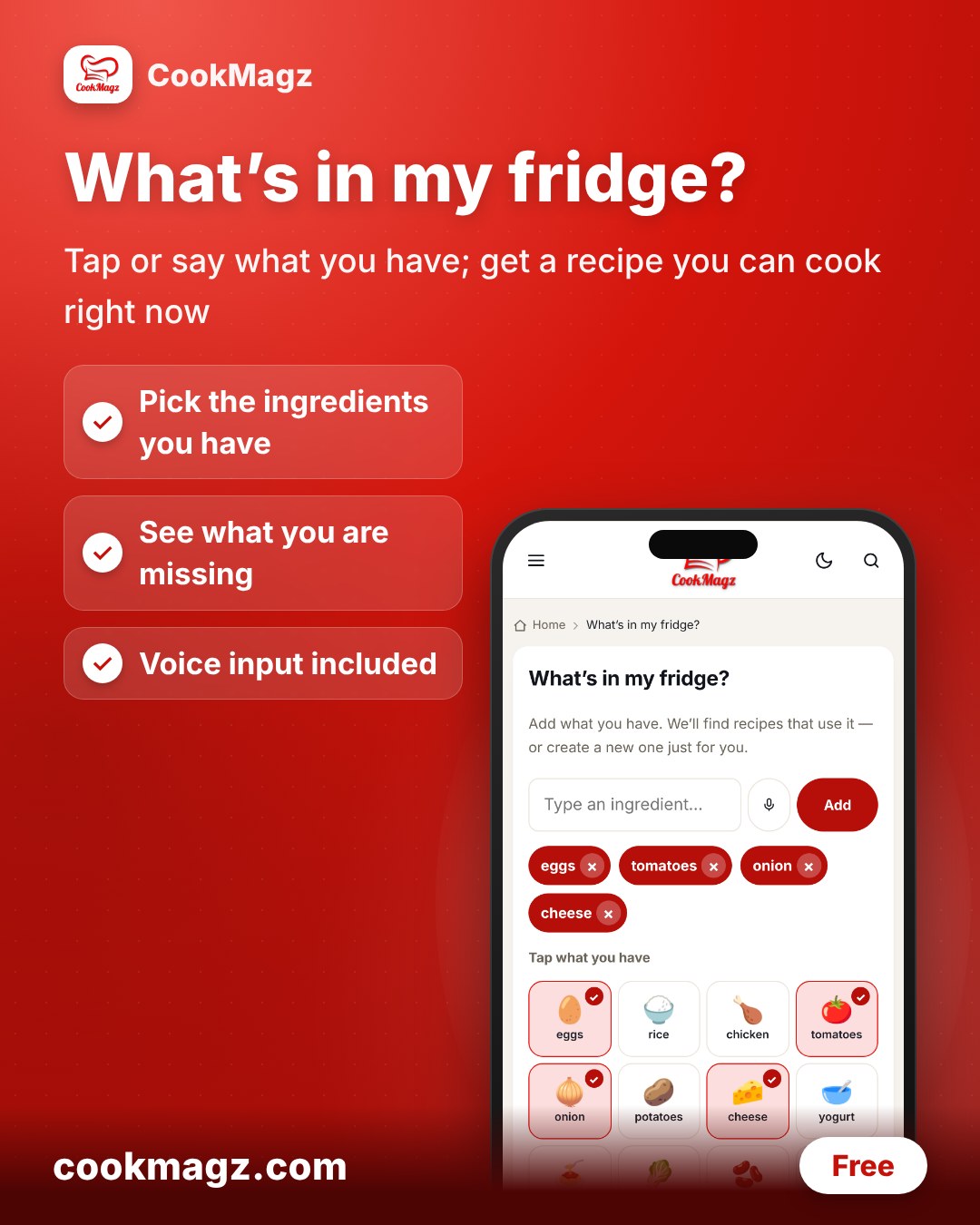
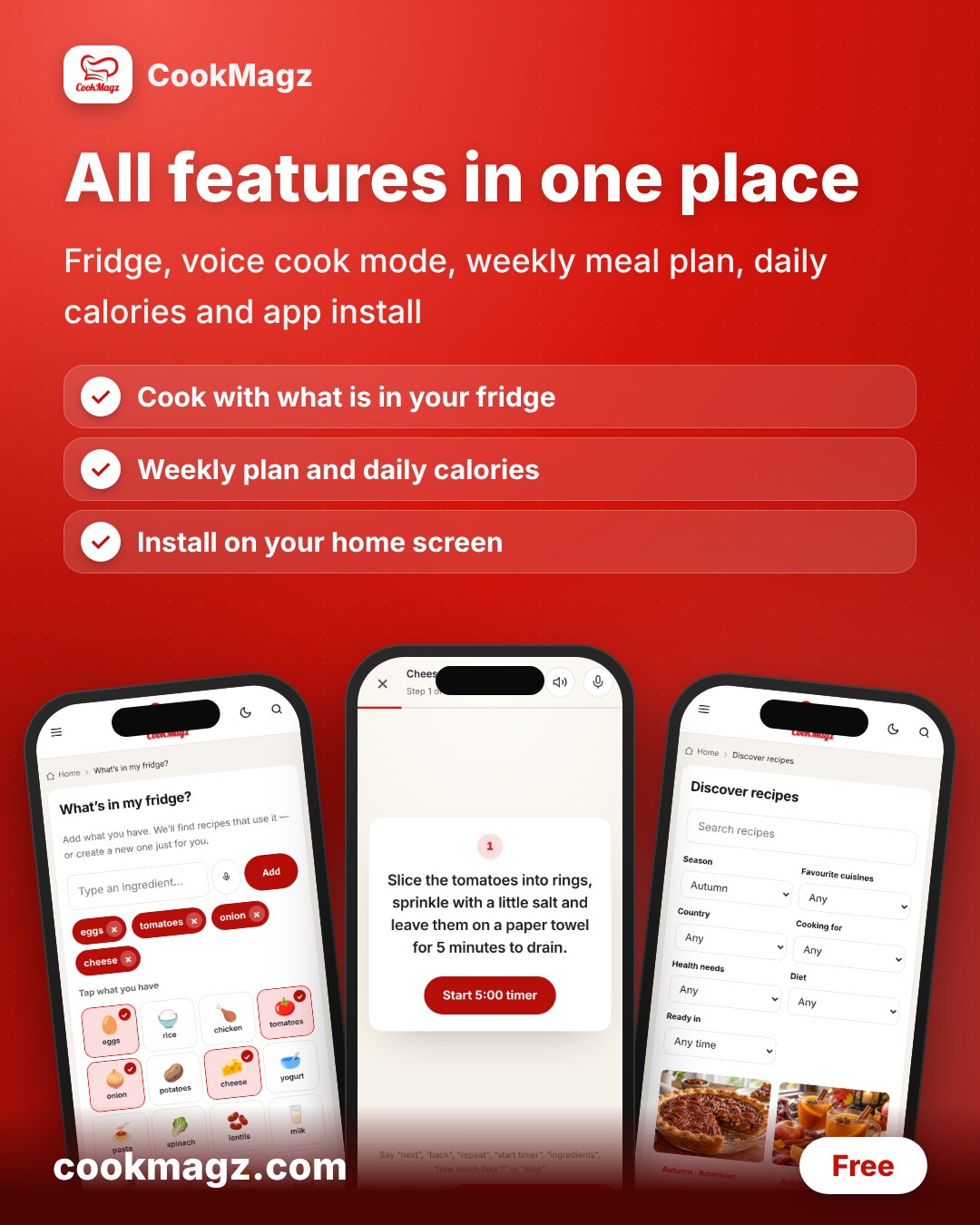
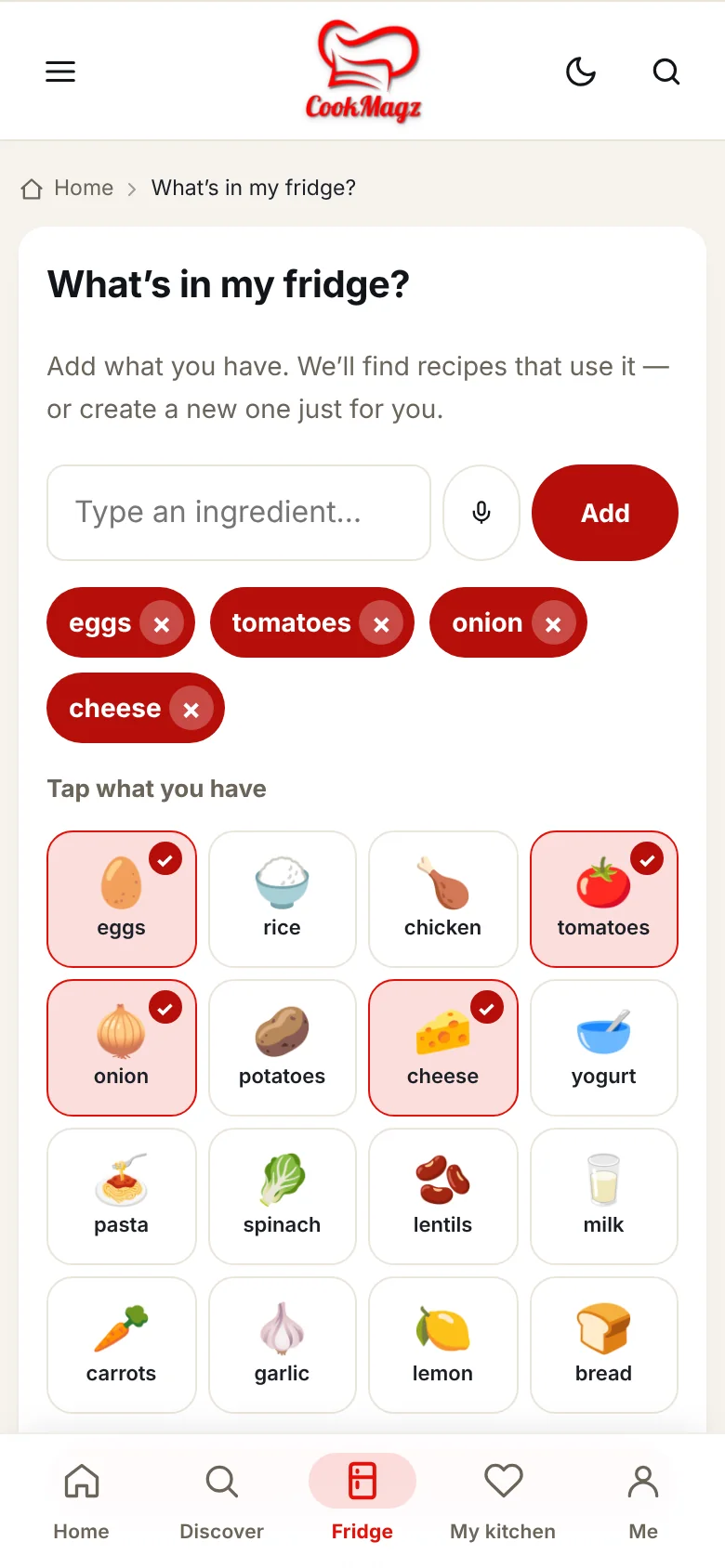
Cook with what you have in the fridge
Tap the ingredients you have, or say them out loud. CookMagz finds recipes that use them and shows what you are missing.
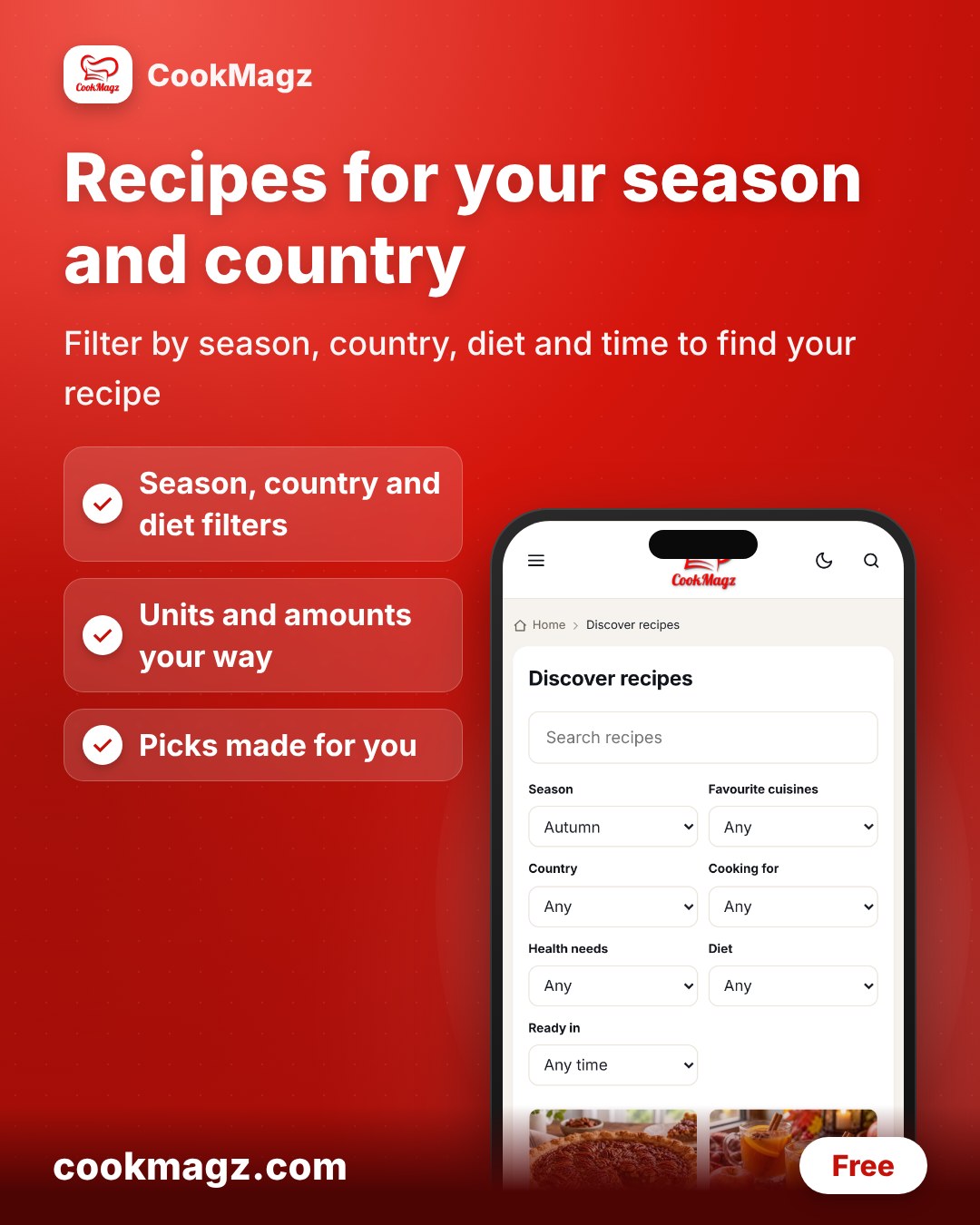
Discover recipes made for your season and country
Filter by season, country, cuisine, diet, health needs and cooking time. Ingredients and units follow your choices, so a recipe reads the way you cook at home.
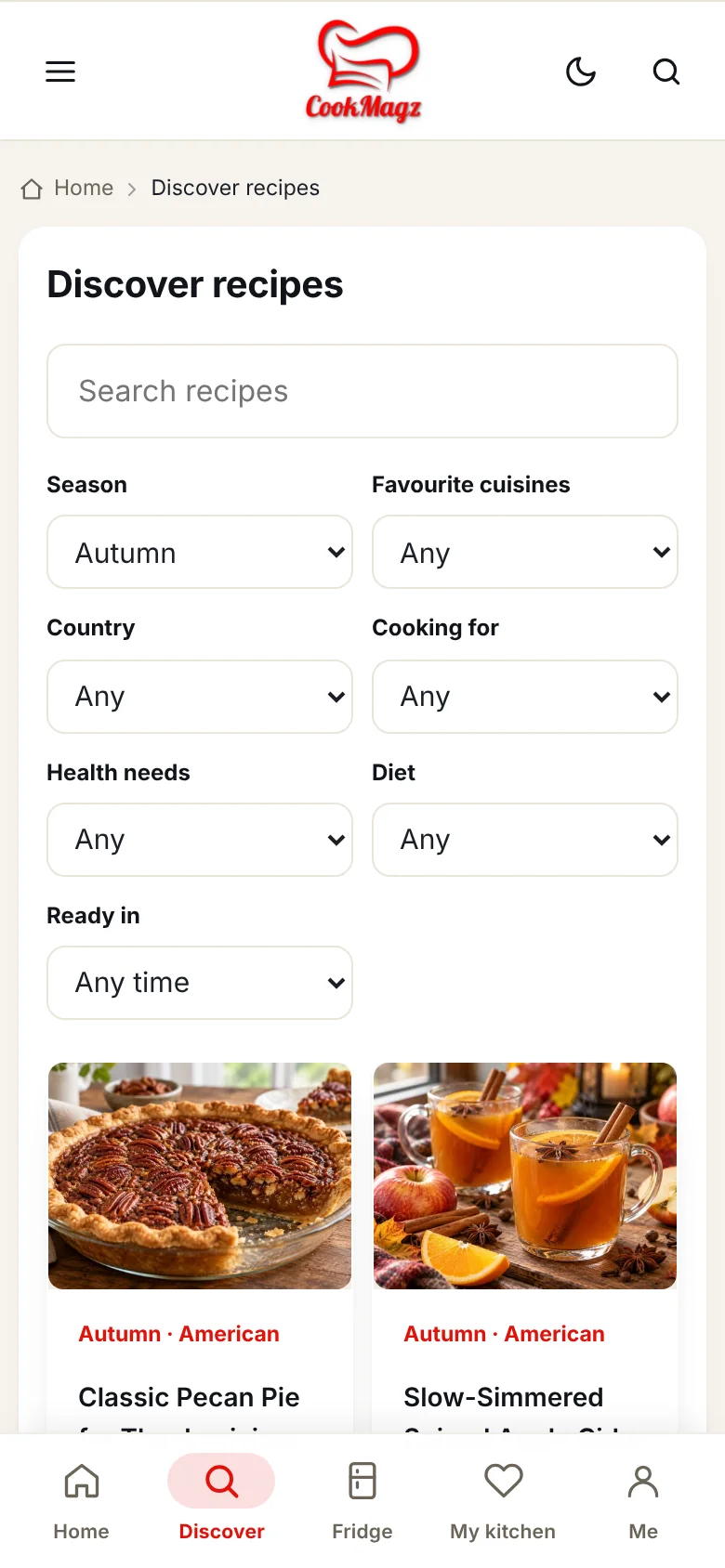
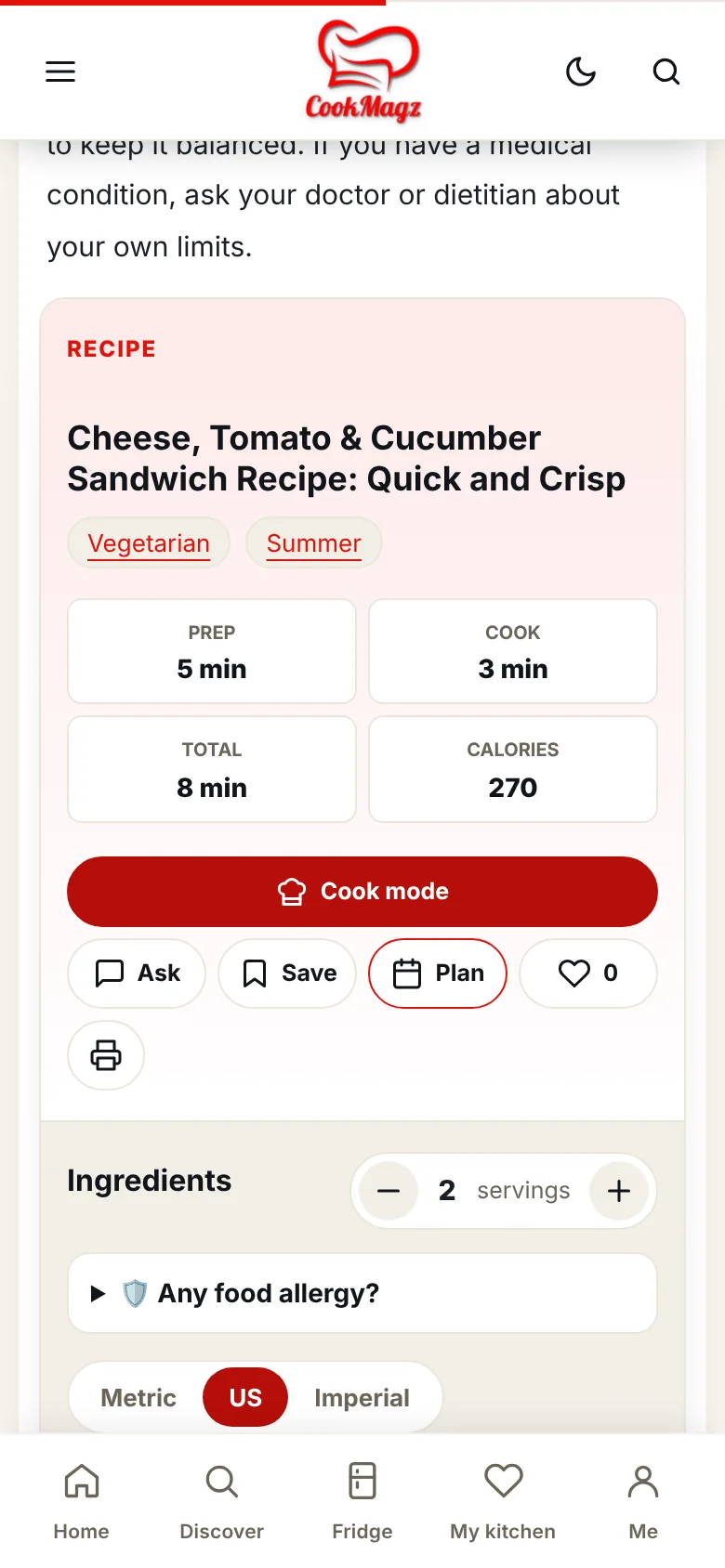
A recipe page that does the math for you
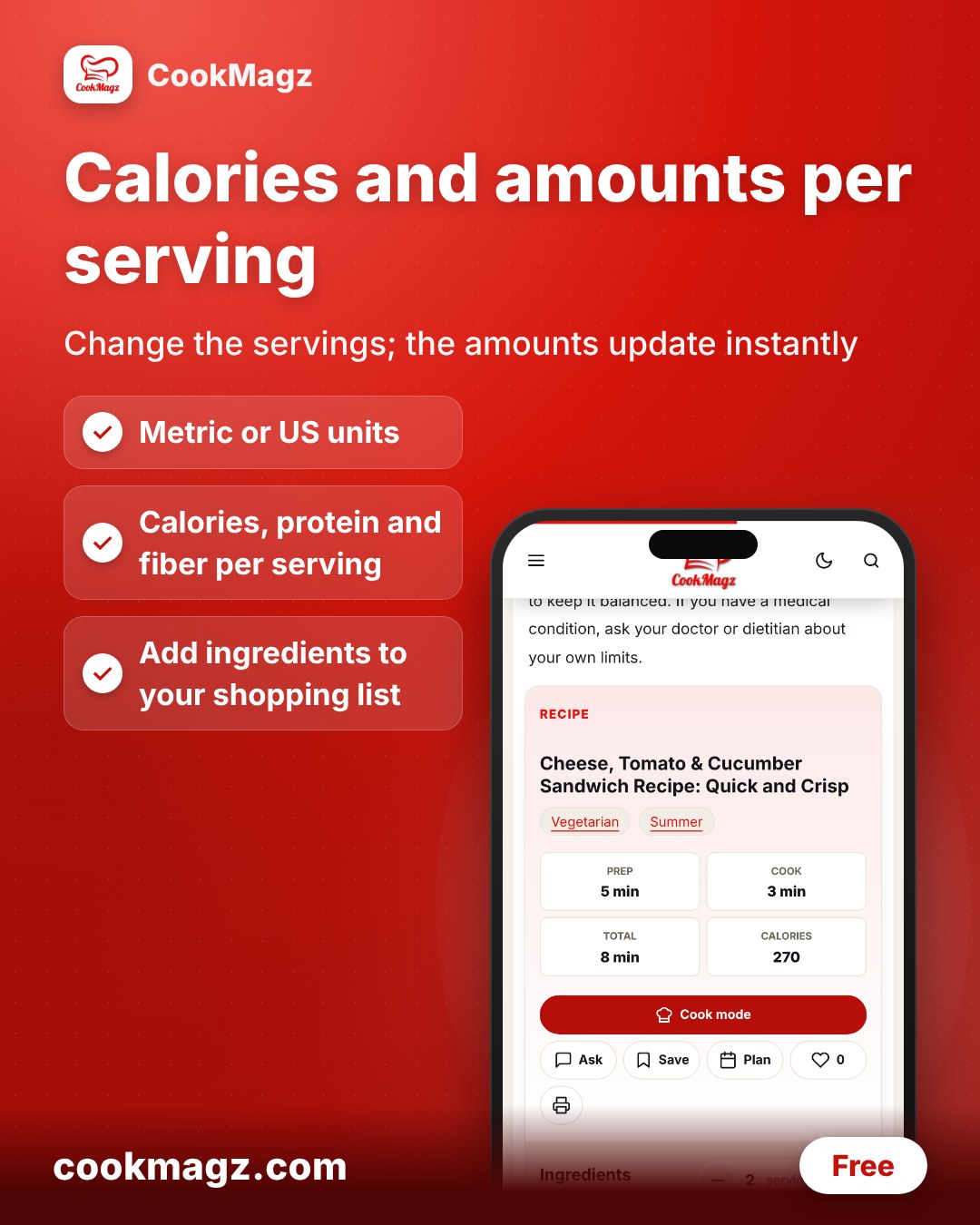
- Change the number of servings and the quantities update.
- Switch between metric and US units.
- See calories, protein, carbs, fat and fiber per serving, plus the vitamins and minerals a serving gives you.
- Have a food allergy? Open “Any food allergy?” for safe swaps, like oat milk for cow’s milk.
- Add ingredients to a shopping list in one tap.
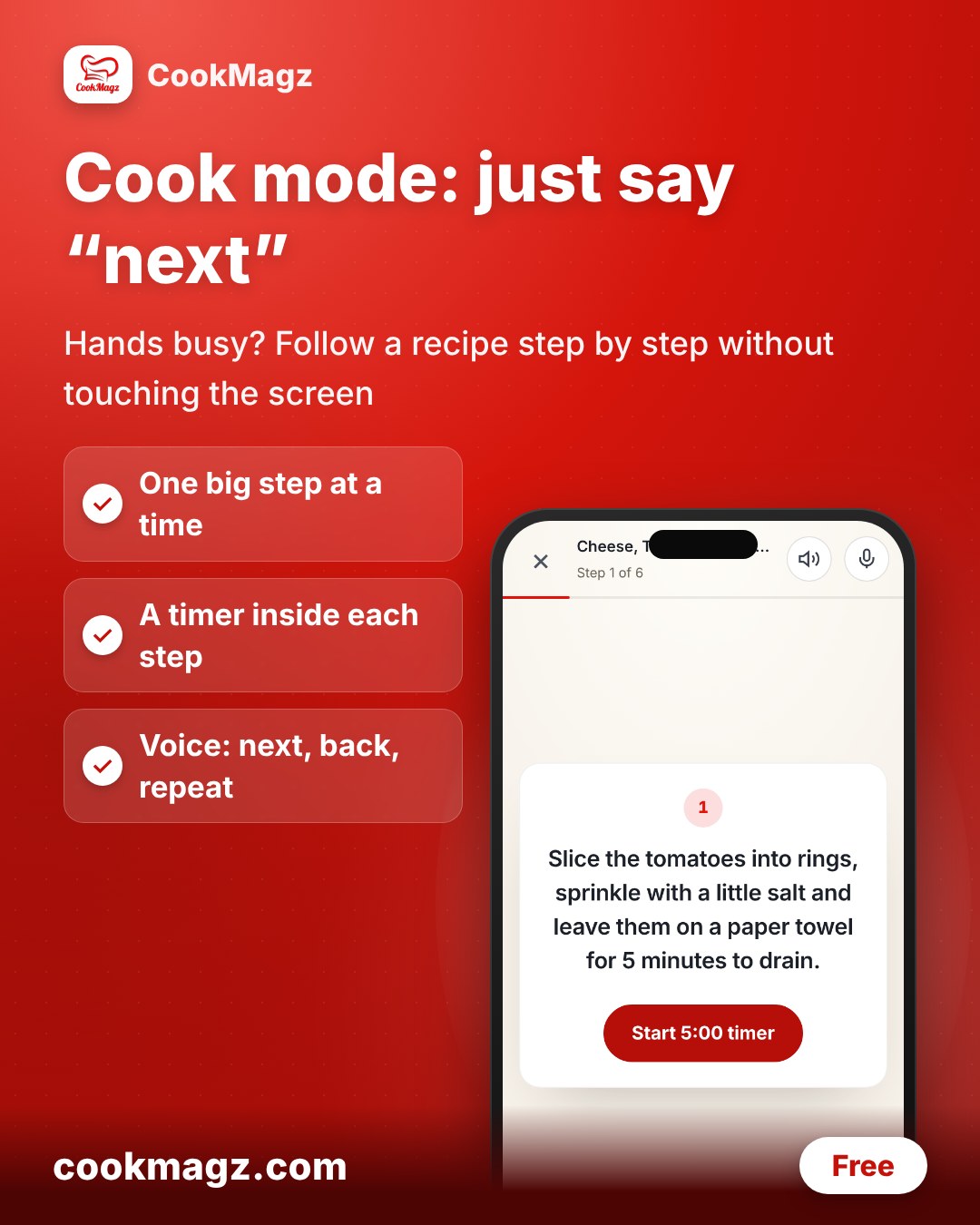
- Cook mode: one step at a time, large text, and hands-free “next” by voice.
Your daily calories, vitamins and minerals
Enter your age, height, weight and activity. CookMagz works out your daily calories and your daily vitamin and mineral needs, then lists the foods that supply them. From there you can jump to recipes that fit.
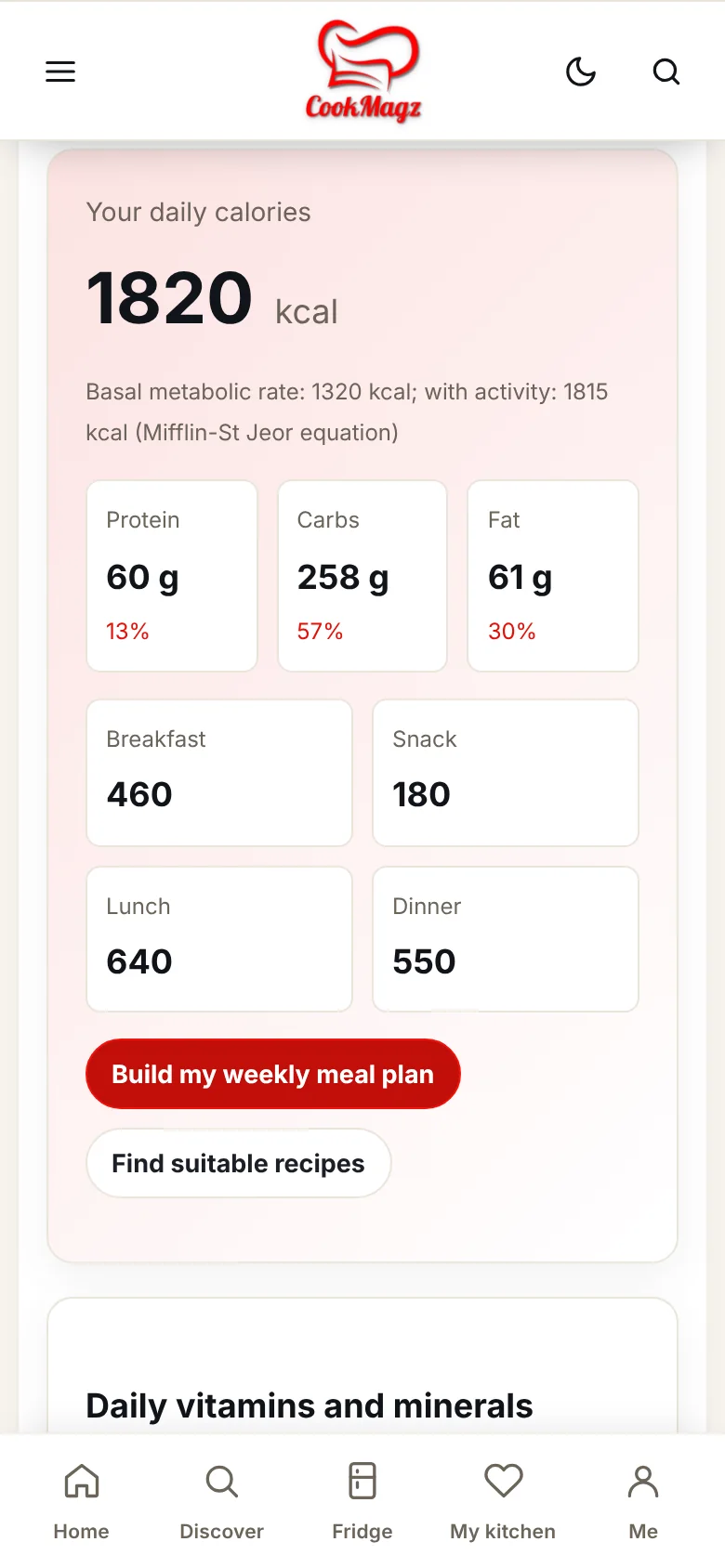
Calculate my daily needs. This is general information and does not replace advice from your doctor or dietitian.
A weekly meal plan with a shopping list
Tap “Plan” on any recipe to put it in your week. CookMagz adds up the calories of each day against your target and builds one shopping list for the whole week.
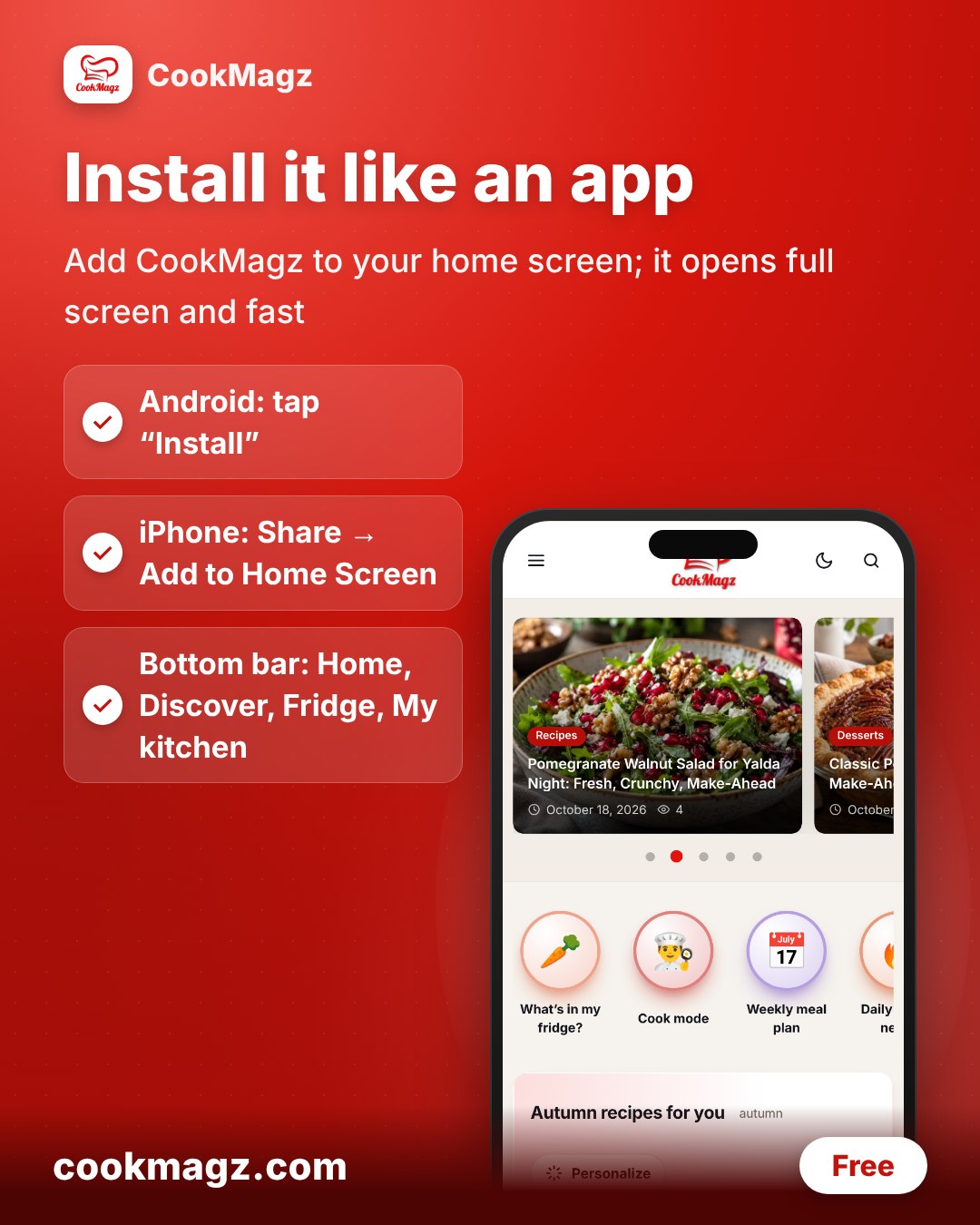
Install it like an app
Add CookMagz to your home screen. It opens full screen with a bottom bar for Home, Discover, Fridge, My kitchen and Me. On Android, tap Install when the banner appears. On iPhone, tap Share, then Add to Home Screen.
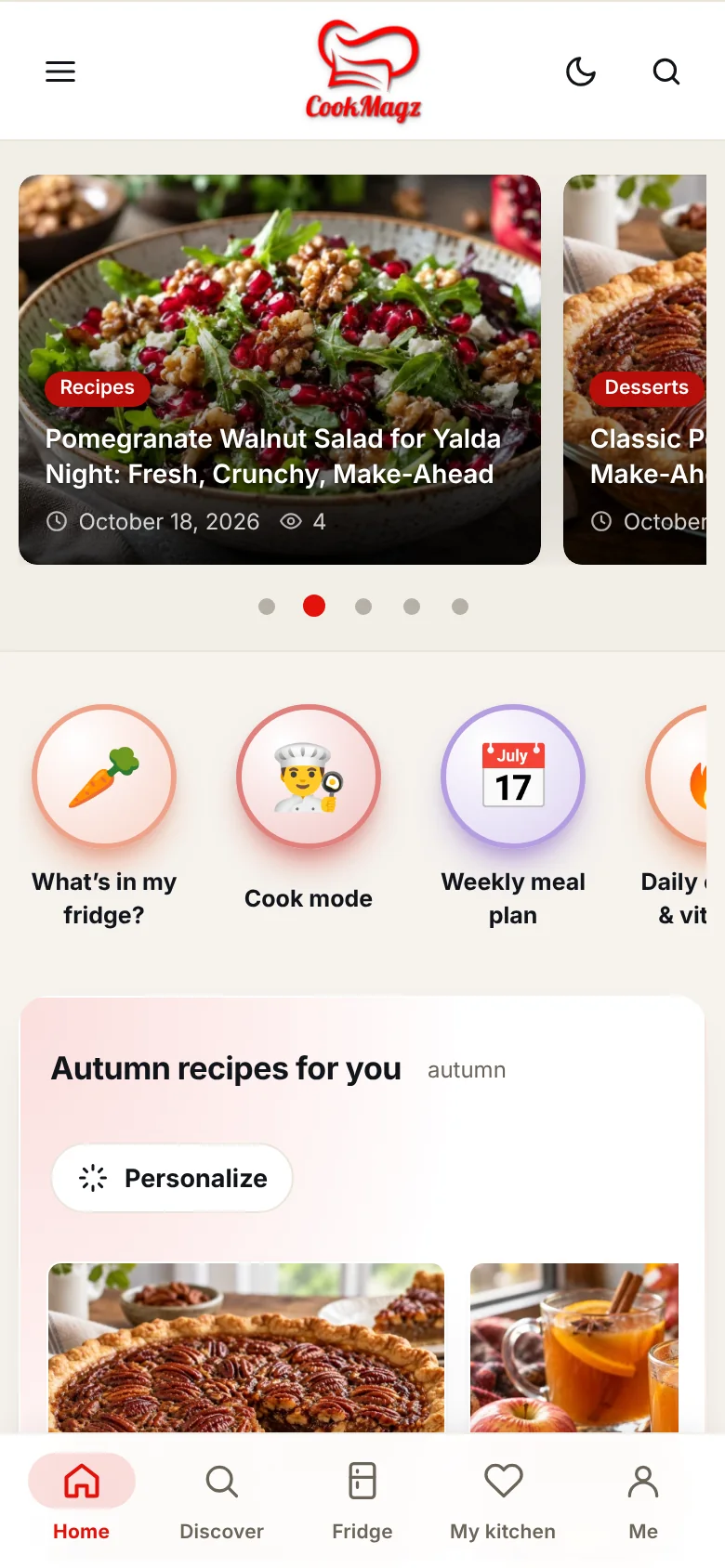
Persian and English, light and dark
Every article and recipe is written in English and in natural Persian. Switch language at any time. Dark mode protects your eyes at night.
Our standard
Articles are checked for accuracy, health topics say who should be careful, and every recipe has a real photo, a recipe card and nutrition numbers. If something looks wrong, tell us through the contact page.